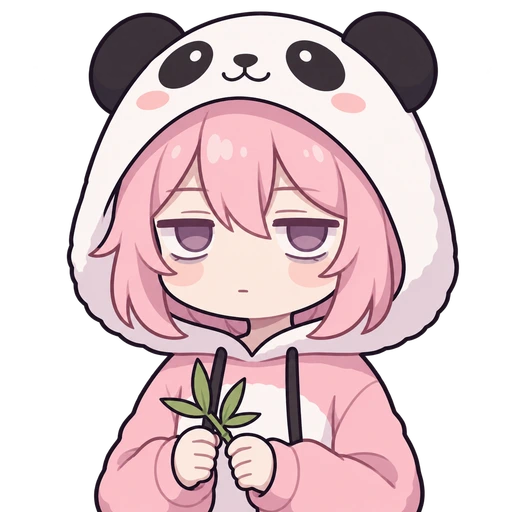
Panda hoodie
Describe a streamer, compare four candidates, and export transparent idle, talking and blinking frames ready for OBS.
Your first 4 designs are free. Keep your talking PNGTuber for $3.99 on a first purchase within 48 hours of your first preview.
200 credits on sign-up — full-quality designs, no watermark, no card.See pricing
Everything here works before you sign in. Your draft is kept through sign-in, and credits are only spent on images that arrive.
Inspiration
Pick an idea, then make it yours — every one of these is a real output from the AI PNGTuber generator above.
Panda hoodie
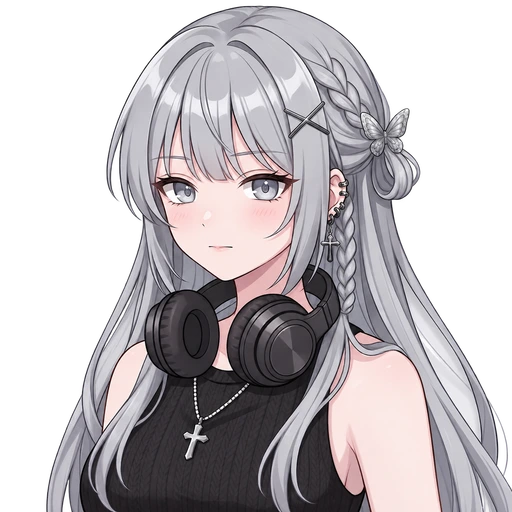
Soft goth
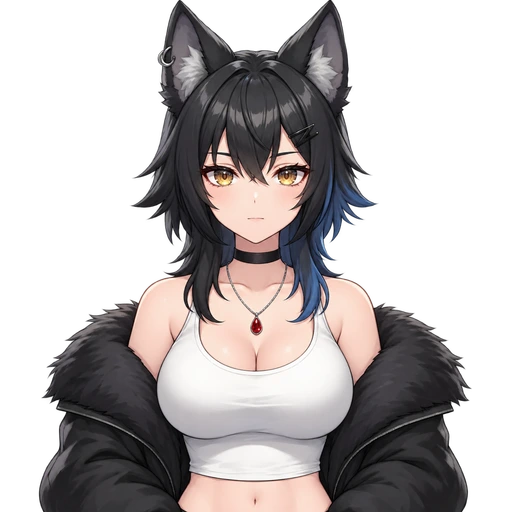
Cool wolf girl
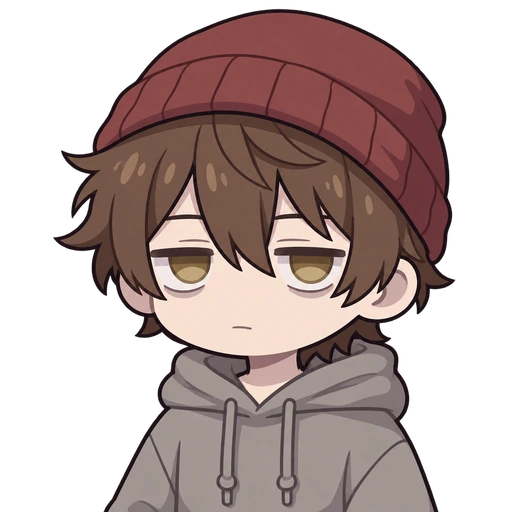
Skater boy
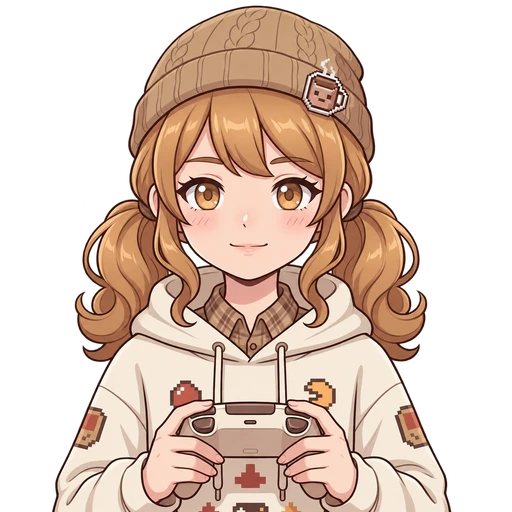
Cocoa arcade
How it works
Describe it. Choose a design. Make it yours.
Describe your character
Start with a sentence or a reference image.
A mint-haired gamer girl with cat ears, a black hoodie, and headphones.
Choose your favorite
Compare 4 designs before creating your frames.
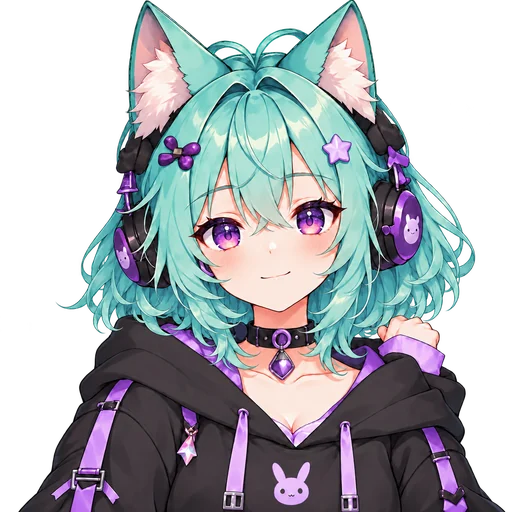
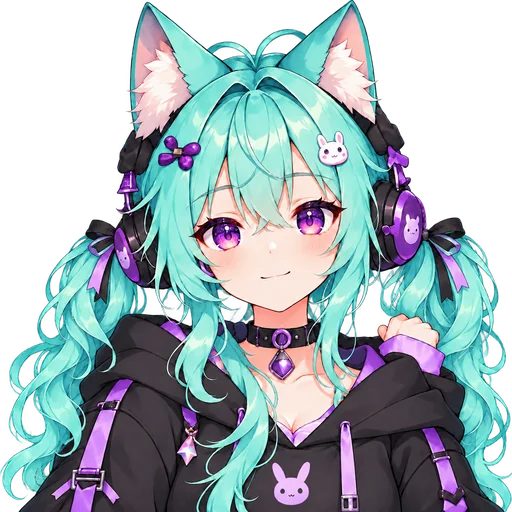
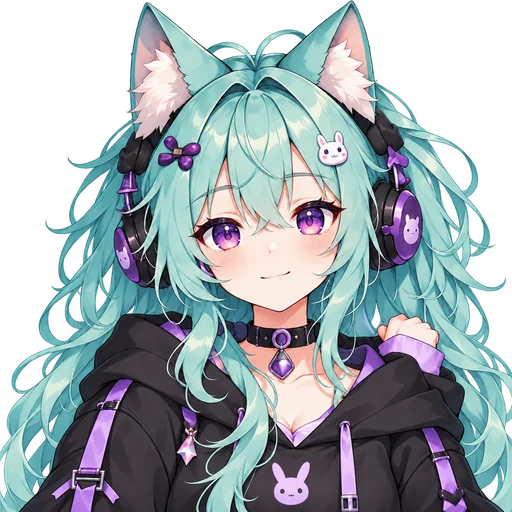 Selected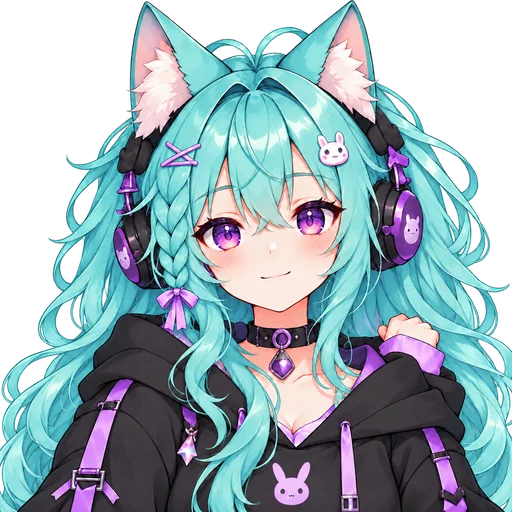
4 designs 1 favorite
Create your frame pack
Preview expressions and export transparent PNGs.
Idle
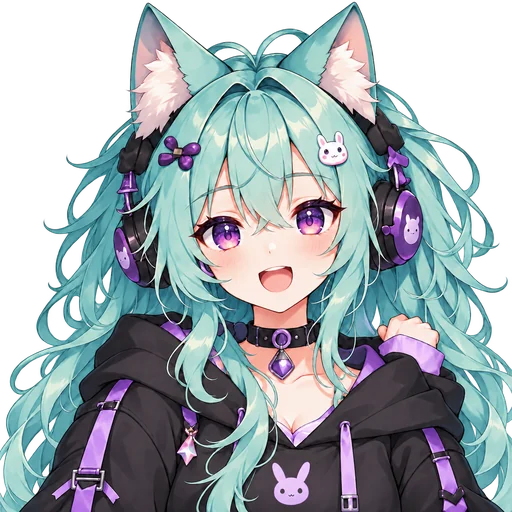
Talking
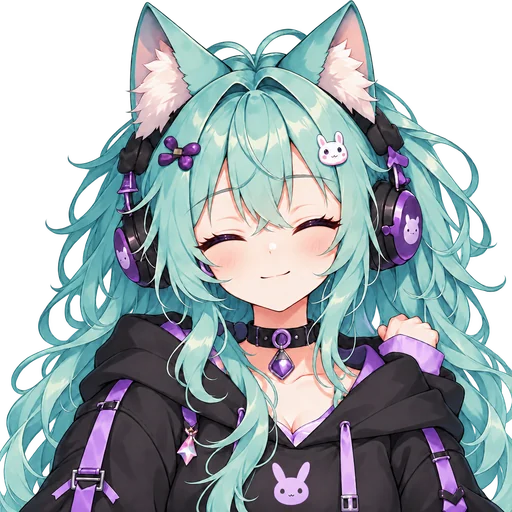
Blink
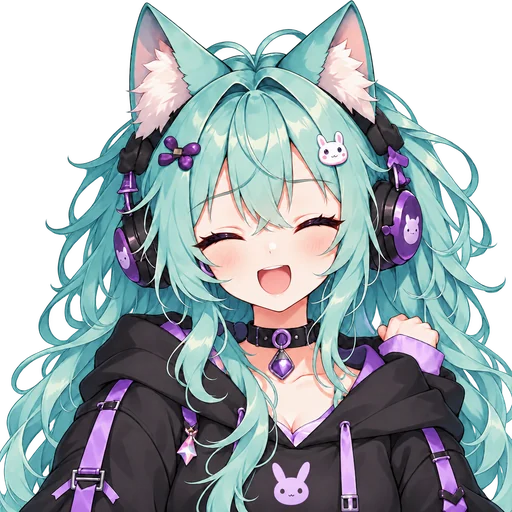
Talking + blink
Use in OBS
Add your character to your OBS scene.
What you get
A character of your own, a growing expression collection, and a place in your next stream.
Turn an idea or reference image into a PNGTuber that feels like yours.
Start from an idea or a character you already have.
Give your character a reaction for every stream mood. Save your favorites and come back to add more.
Use an uploaded character or a design you picked here.
My expressions
SavedExcited
Smug
Confused
Bring your PNGTuber into OBS and make it part of your gaming stream.
OBS ReadySee OBS setupA finished PNGTuber — four transparent frames, ready for OBS — is under $2.50.
Buy a credit pack once and make as many as it covers. Nothing renews, and pack credits never expire.
No trial timer, no card, and no watermark on anything you download.
Keeping the 4 frames — to download them or add them to OBS — is 120 credits, more than the free credits leave; your first purchase, within 48 hours of your first preview, is $3.99 for 400 credits. We would rather say so here than after you have picked a character.
You describe the PNGTuber you want — looks, outfit, vibe — or start from a style preset. The AI generates four takes, you pick one, and that character is generated as four matching transparent frames: idle, talking, blinking and blink-talking, ready for OBS.
AI generation runs on credits, and the exact cost of every step is shown before you confirm it — nothing is charged silently. If a generation fails, the credits are returned. One finished PNGTuber is 240 credits: 4 candidates at 30 credits each, then the 4-frame pack for another 120. That works out at about $2.38 a character on the $9.90 Starter pack. The 200 free credits you get for signing up cover that candidate round, and credits from a pack never expire. Until your first purchase, the frames are drawn first as a free preview with a watermark, so you watch your character talk before you pay for them.
Sign-up comes with 200 free credits — enough for your first round of 4 candidates at full quality, no card and no watermark. They expire 30 days after sign-up. Picking a design then draws its talking and blinking frames free, as a watermarked preview you can watch and try with your mic. That round costs 120 and leaves 80; keeping the frames — the files, without the watermark — is another 120, 40 credits beyond what the free ones cover, and your first purchase, within 48 hours of your first preview, is $3.99 for 400 credits. Every cost is shown before you confirm it.
Yes, once you have bought credits at least once. Open a character you have generated and add an expression: pick one of the 4 classics (happy, sad, angry, surprised), start from the Shy or Smug preset, or build your own from eyes, brows, mouth, cheeks and effects. Name each one and come back to add more later. A character holds up to 20 custom expressions on top of the classics. Each one uses credits, and the cost is shown before you confirm.
No. Prompting, generating, comparing candidates and the mic preview all run in the browser. You will need OBS or Streamlabs to actually stream, but that is separate and also free.
Nowhere. The browser reads the loudness of your voice to move the mouth and throws the audio away. It is never recorded, saved or sent to a server.
Add them to OBS as Image sources and let a free audio-reactive plugin switch to the talking frames while you speak. The PNGTuber OBS guide walks through it step by step.
Yes. Pick "Use a reference image" in the generator and drop in a selfie, a sketch or an old avatar, and the AI draws from it. Choose "Inspired by it" to keep only the general look, or "Keep the likeness" to hold the face, hair and colors close. Your image goes to our AI image provider to make the candidates, so only upload pictures you have the right to use — remove it at any time and we delete the file.
Yes, including monetized channels. The PNGTuber you make here is yours to use on any platform, on stream, in videos, or as a profile picture.
The generator and the mic preview work on a modern phone browser. Streaming software generally does not, so most people build their PNGTuber on a phone and stream from a computer.
Square transparent PNGs, at least 1,000 pixels on a side — sharp for a corner cam and still clean scaled up to fill more of the screen. The exact size is shown on the download screen.
Create a character, bring it to life, and start streaming.